
Documentation Index
Fetch the complete documentation index at: https://docs.humanbehavior.co/llms.txt
Use this file to discover all available pages before exploring further.
Quickstart
Human Behavior works seamlessly to record sessions on your Vue.js app.Show How to get your API Key
Show How to get your API Key
How to find your Public API Key:
Flow: Project Home → Integrations → Human Behavior SDK → Kebab Menu → Configuration → Public API Key
Flow: Project Home → Integrations → Human Behavior SDK → Kebab Menu → Configuration → Public API Key
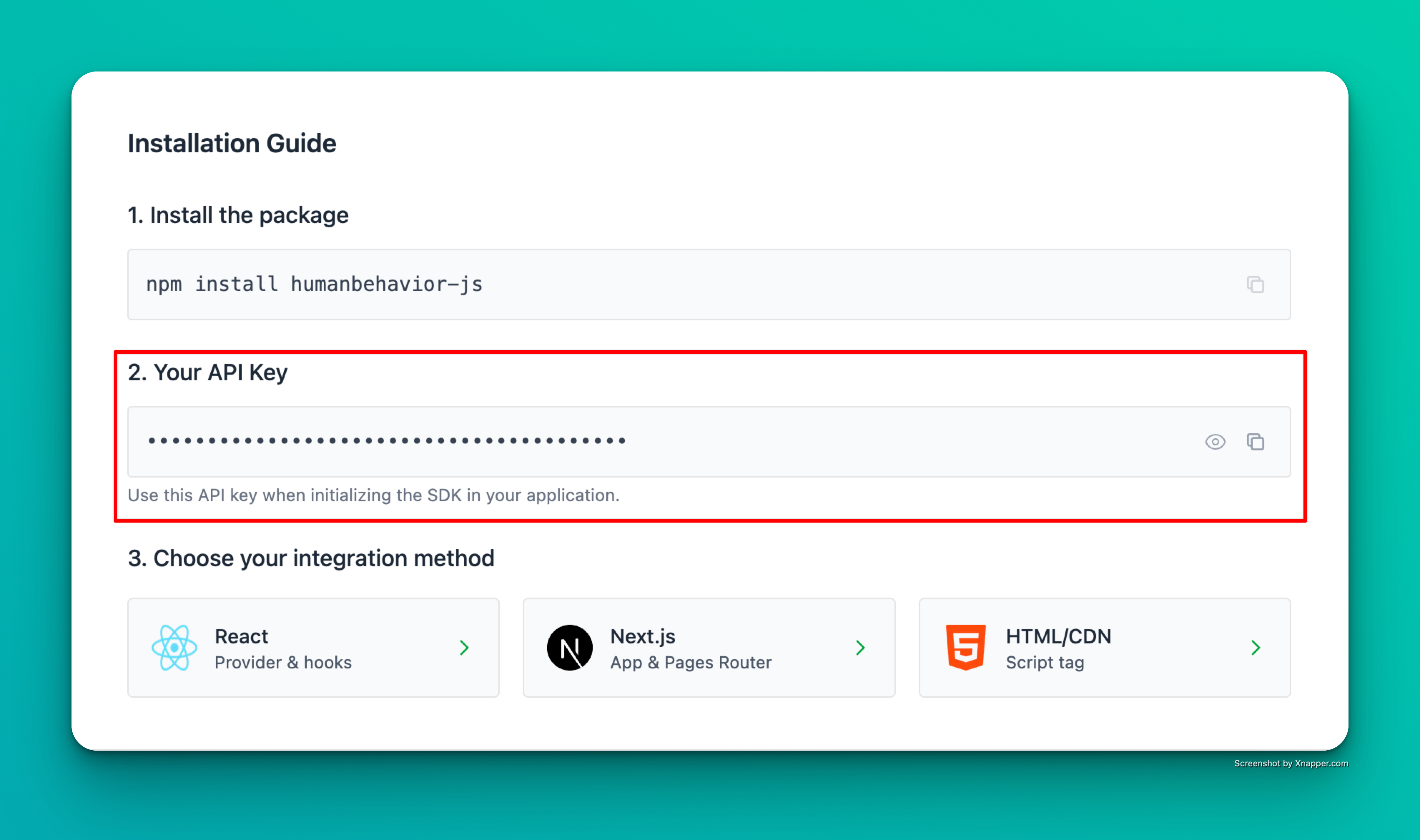
Example screenshot – your actual API key will be different.
Step 1: Installation
Step 2: Environment Variables
Create an environment file (.env) with your API key:
Important: For Vite-based Vue projects, environment variables must start with
VITE_ to be accessible in the browser.Step 3: Create HumanBehavior Composable
Createsrc/composables/useHumanBehavior.ts:
Step 4: Initialize in Router
Updatesrc/router/index.ts:
Step 5: Use in Components
Now you can use HumanBehavior in any Vue component:Alternative: Provide/Inject Pattern
If you prefer to use Vue’s provide/inject system instead of composables:Initialize in main.ts
Inject in Components
That’s it! The SDK now automatically tracks user interactions, navigation, and console events. Everything past here is optional.
Features
- ✅ Vue 3 Composition API support
- ✅ Composable-based architecture
- ✅ Provide/inject pattern support
- ✅ Automatic session recording
- ✅ Custom event tracking
- ✅ User identification
- ✅ TypeScript support included
Troubleshooting
- Check browser console for any error messages
- Verify your API key is correct and starts with
VITE_ - Ensure the tracker is initialized before any user interaction
- Make sure
.envis in your project root directory - For Vue CLI projects, use
VUE_APP_prefix instead ofVITE_