
Documentation Index
Fetch the complete documentation index at: https://docs.humanbehavior.co/llms.txt
Use this file to discover all available pages before exploring further.
HumanBehaviorTracker API
The main tracker class for recording user sessions and events.How to find your Public API Key:
Flow: Project Home → Integrations → Human Behavior SDK → Kebab Menu → Configuration → Public API Key
Flow: Project Home → Integrations → Human Behavior SDK → Kebab Menu → Configuration → Public API Key
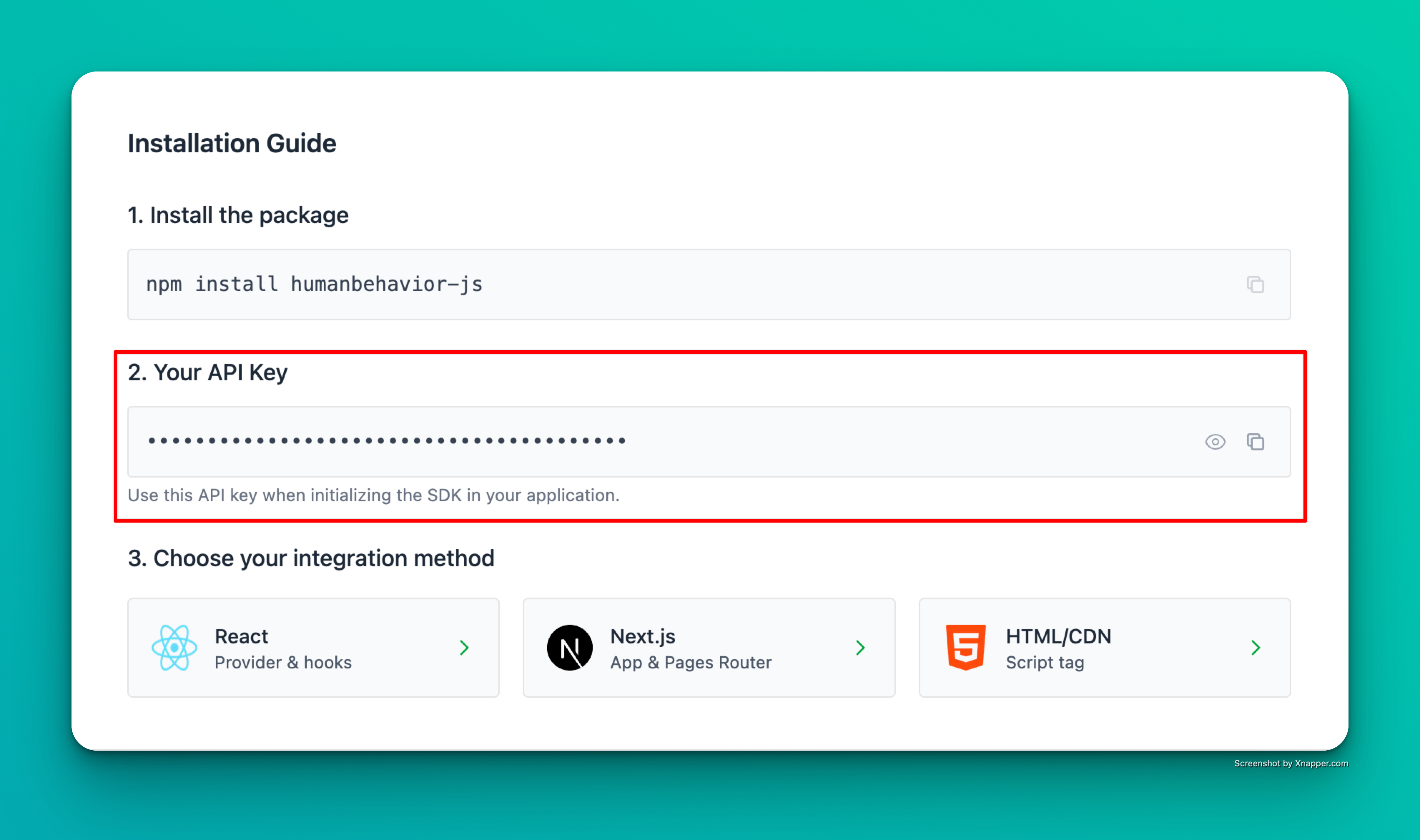
Example screenshot – your actual API key will be different.
Initialization
HumanBehaviorTracker.init(apiKey, options?)
Static method to initialize the tracker with global persistence.
apiKey(string): Your HumanBehavior API keyoptions(object, optional): Configuration optionsingestionUrl(string, optional): Custom ingestion URLlogLevel(string, optional): Logging levelredactionStrategy(object, optional): Redaction configurationenableAutomaticTracking(boolean, optional): Enable automatic tracking (default: true)automaticTrackingOptions(object, optional): Automatic tracking configurationenableConsoleTracking(boolean, optional): Enable console error/warning tracking (default: true)enableNetworkTracking(boolean, optional): Enable network error tracking (default: true)
HumanBehaviorTracker instance
Example:
Learn more about automatic tracking features (rage clicks, network errors, console logs) in the Automatic Tracking guide.
Core Methods
start()
Start recording user sessions and events.
stop()
Stop recording and cleanup resources.
customEvent(eventName, properties?)
Track a custom event with optional properties.
eventName(string): Name of the custom eventproperties(object, optional): Additional event properties
addEvent(event)
Add a raw event to the recording queue.
event(any): Raw event object to record
User Management
identifyUser({ userProperties })
Identify a user with their properties. This method maintains the current endUserId and merges user properties.
userProperties(object): User properties including email, name, image, provider, etc.
Promise<string> - The current endUserId
Example:
getUserAttributes()
Get current user attributes.
logout()
Clear user identification and reset to anonymous state.
Navigation Tracking
trackPageView(url?)
Track a page view event.
url(string, optional): URL to track (defaults to current URL)
trackNavigationEvent(type, fromUrl, toUrl)
Track a navigation event.
type(string): Navigation type (e.g., ‘push’, ‘pop’, ‘replace’)fromUrl(string): Previous URLtoUrl(string): New URL
Redaction Management
setUnredactedFields(fields)
Set fields to be unredacted (visible) in recordings (privacy-first mode only).
fields(string[]): Array of CSS selectors for fields to unredact
clearUnredactedFields()
Clear all unredacted fields (everything becomes redacted).
hasUnredactedFields()
Check if any fields are currently unredacted.
boolean - Whether any fields are unredacted
Example:
getUnredactedFields()
Get current unredacted fields.
string[] - Array of current unredacted field selectors
Example:
Session Information
getSessionId()
Get the current session ID.
string - Current session ID
Example:
getCurrentUrl()
Get the current URL.
string - Current URL
Example:
getUserInfo()
Get comprehensive user information.
isPreexistingUser()
Check if the current user is preexisting.
boolean - Whether user is preexisting
Example:
Connection Management
testConnection()
Test connection to the HumanBehavior server.
getConnectionStatus()
Get detailed connection status and recommendations.
Logging and Debugging
viewLogs()
View stored logs (if available).
configureLogging(config)
Configure logging options.
config(object): Logging configurationlevel(string, optional): Log levelenableConsole(boolean, optional): Enable console loggingenableStorage(boolean, optional): Enable storage logging