Documentation Index
Fetch the complete documentation index at: https://docs.humanbehavior.co/llms.txt
Use this file to discover all available pages before exploring further.
Using HumanBehaviorTracker with Nuxt.js
Quickstart
Human Behavior works seamlessly to record sessions on your Nuxt.js app.
Show How to get your API Key
How to find your Public API Key:
Flow: Project Home → Integrations → Human Behavior SDK → Kebab Menu → Configuration → Public API Key
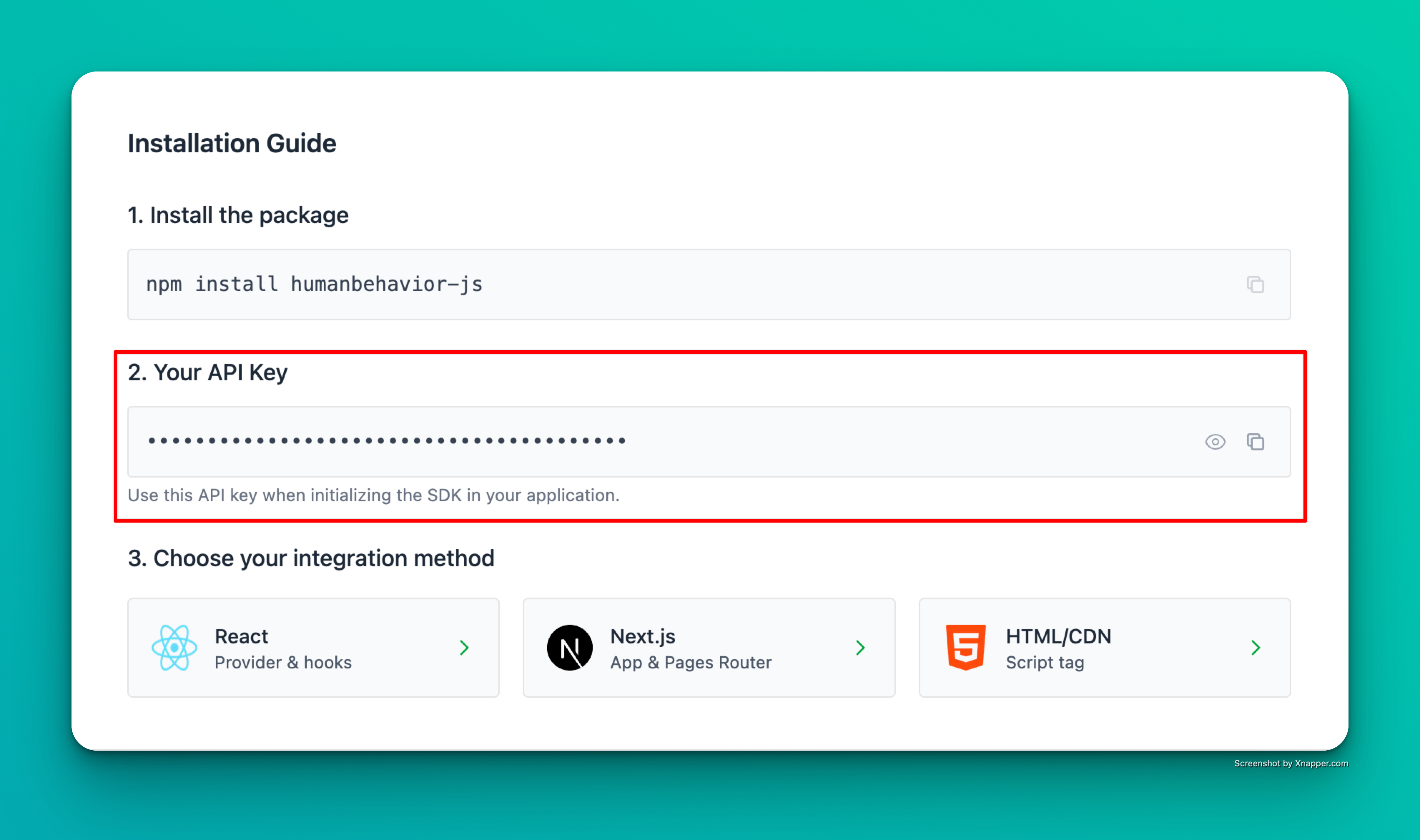
Example screenshot – your actual API key will be different.
Step 1: Installation
npm install humanbehavior-js
# or
yarn add humanbehavior-js
Step 2: Environment Variables
Create an environment file (.env) with your API key:
NUXT_PUBLIC_HUMANBEHAVIOR_API_KEY=your-api-key-here
Step 3: Basic Setup
Update nuxt.config.ts
Update nuxt.config.ts with environment variable in runtimeConfig:
export default defineNuxtConfig({
  runtimeConfig: {
    public: {
      humanBehaviorApiKey: process.env.NUXT_PUBLIC_HUMANBEHAVIOR_API_KEY
    }
  }
})
Step 4: Basic Setup
Add the Tracker to Your App
Create a plugin in plugins/humanbehavior.client.ts:
import { HumanBehaviorTracker } from 'humanbehavior-js';

export default defineNuxtPlugin(() => {
  const config = useRuntimeConfig();
  const apiKey = config.public.humanBehaviorApiKey;

  const tracker = apiKey ? HumanBehaviorTracker.init(apiKey as string) : null;

  return {
    provide: {
      tracker: tracker as HumanBehaviorTracker | null
    }
  };
});
That’s it! The SDK now automatically tracks user interactions, navigation, and console events. Everything past here is optional.
Optional: Advanced Features
Track Custom Events
<template>
  <div>
    <h1>My Component</h1>
    <button @click="handleButtonClick">Click Me</button>
  </div>
</template>

<script setup>
import { onMounted } from 'vue';

const { $tracker } = useNuxtApp();

onMounted(() => {
  // Track component view
  $tracker.customEvent('component_viewed', {
    componentName: 'MyComponent'
  });
});

async function handleButtonClick() {
  await $tracker.customEvent('button_clicked', {
    buttonLocation: 'header'
  });
}
</script>
User Authentication Example
<template>
  <div>
    <form @submit.prevent="handleLogin">
      <input v-model="email" type="email" placeholder="Email" />
      <input v-model="password" type="password" placeholder="Password" />
      <button type="submit">Login</button>
    </form>
  </div>
</template>

<script setup>
import { ref } from 'vue';

const email = ref('');
const password = ref('');
const { $tracker } = useNuxtApp();

async function handleLogin() {
  try {
    // Your login logic here
    const user = await login(email.value, password.value);

    if (user) {
      // Identify user with current endUserId
      await $tracker.identifyUser({
        userProperties: {
          email: user.email,
          name: user.name,
          userId: user.id,
          plan: user.plan
        }
      });
    }
  } catch (error) {
    console.error('Login failed:', error);
  }
}
</script>
Environment Variables
# .env
NUXT_PUBLIC_HUMANBEHAVIOR_API_KEY=your-api-key-here
nuxt.config.ts:
export default defineNuxtConfig({
  runtimeConfig: {
    public: {
      humanBehaviorApiKey: process.env.NUXT_PUBLIC_HUMANBEHAVIOR_API_KEY
    }
  }
});
// In your plugin
const apiKey = config.public.humanBehaviorApiKey;
Troubleshooting
- Check browser console for any error messages
- Verify your API key is correct
- Ensure the tracker is initialized before any user interaction